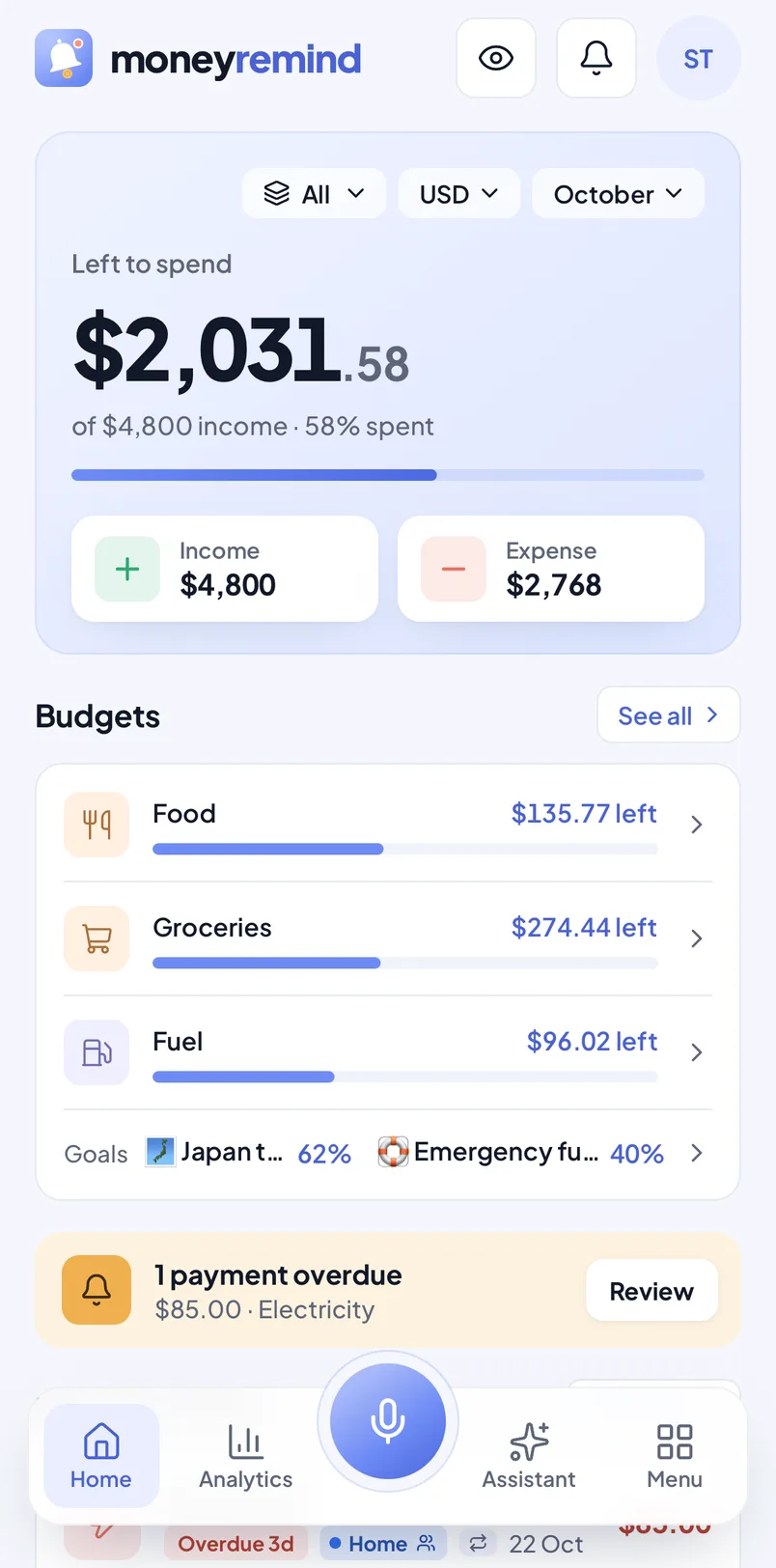
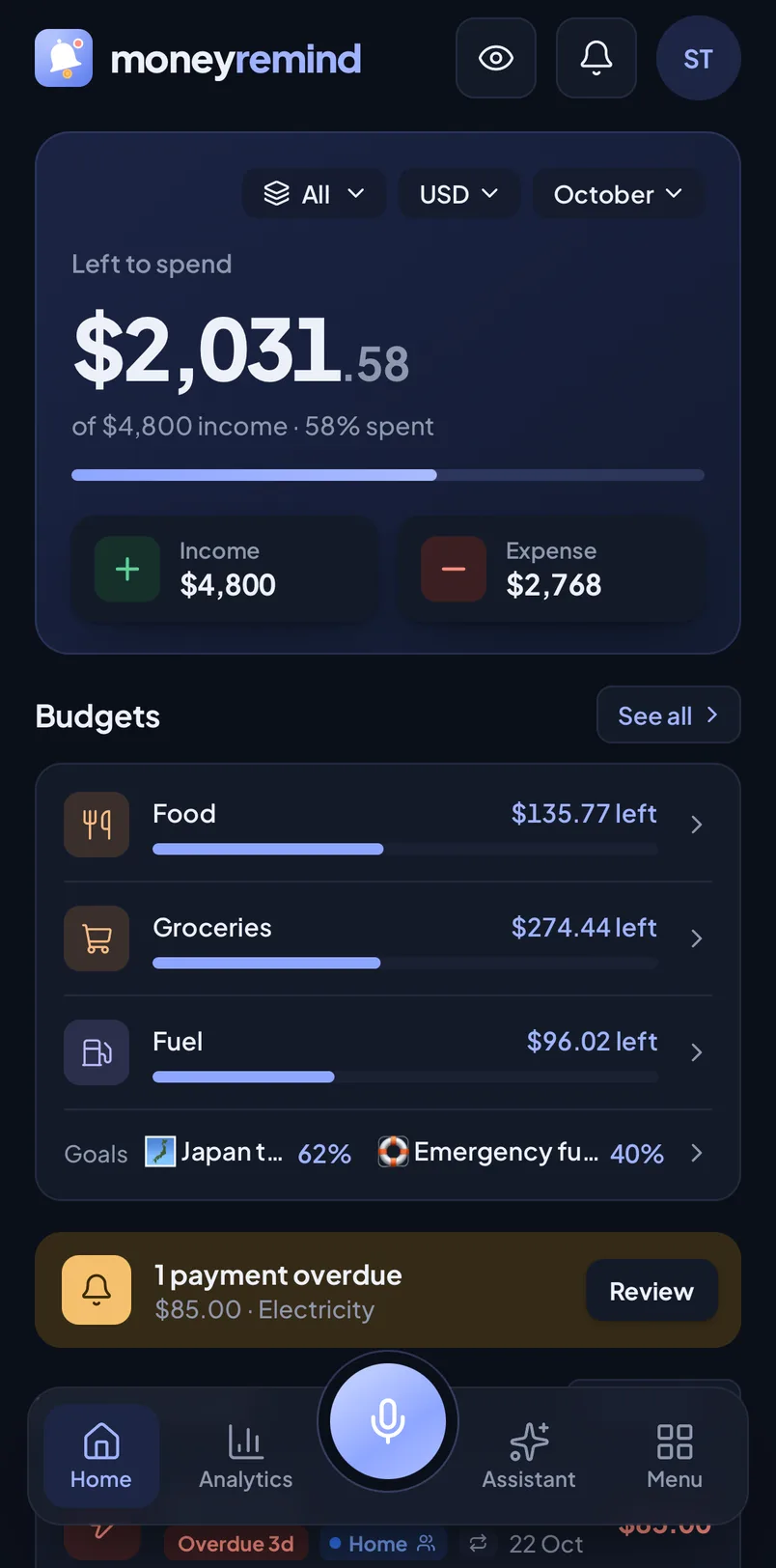
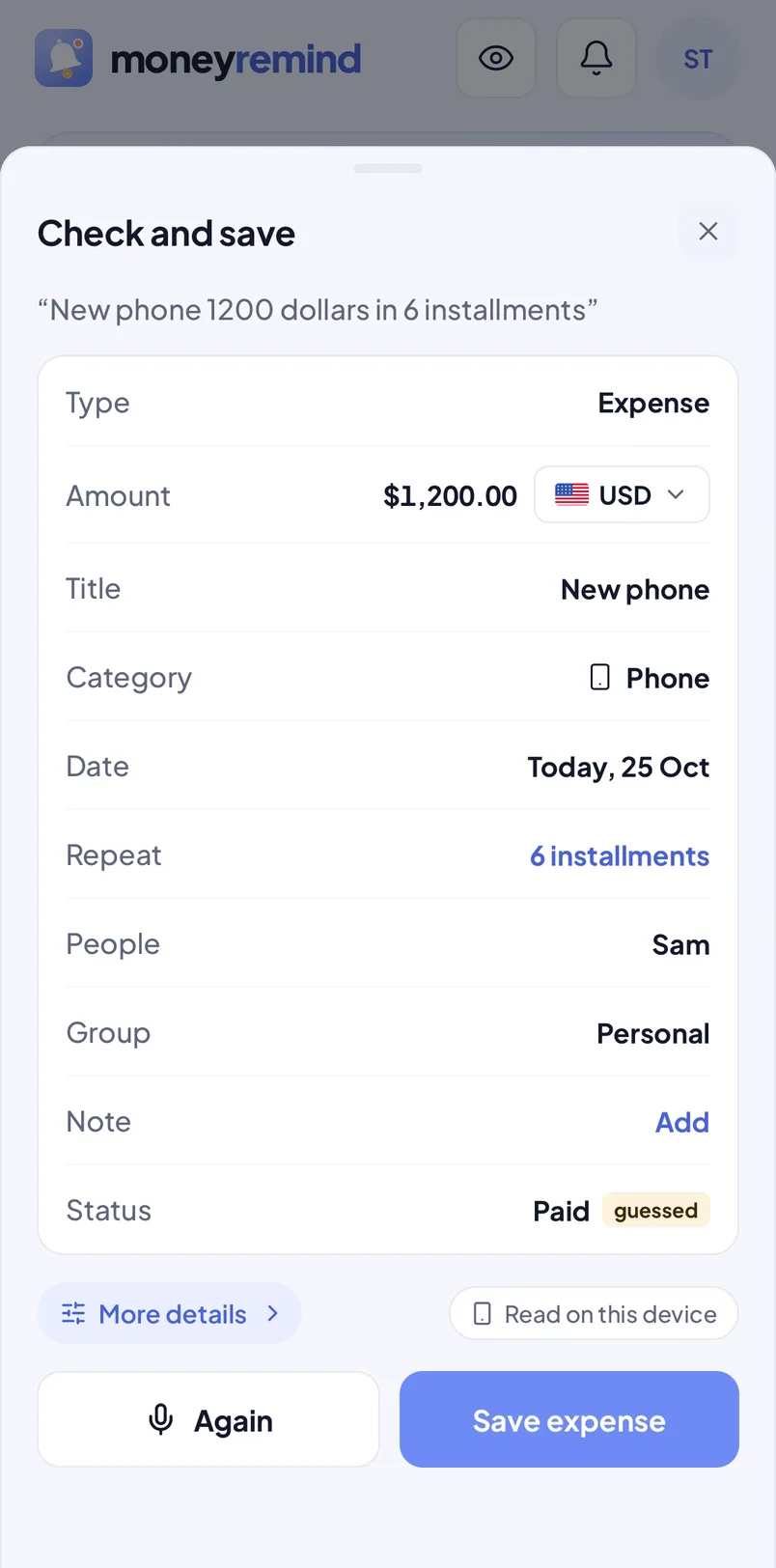
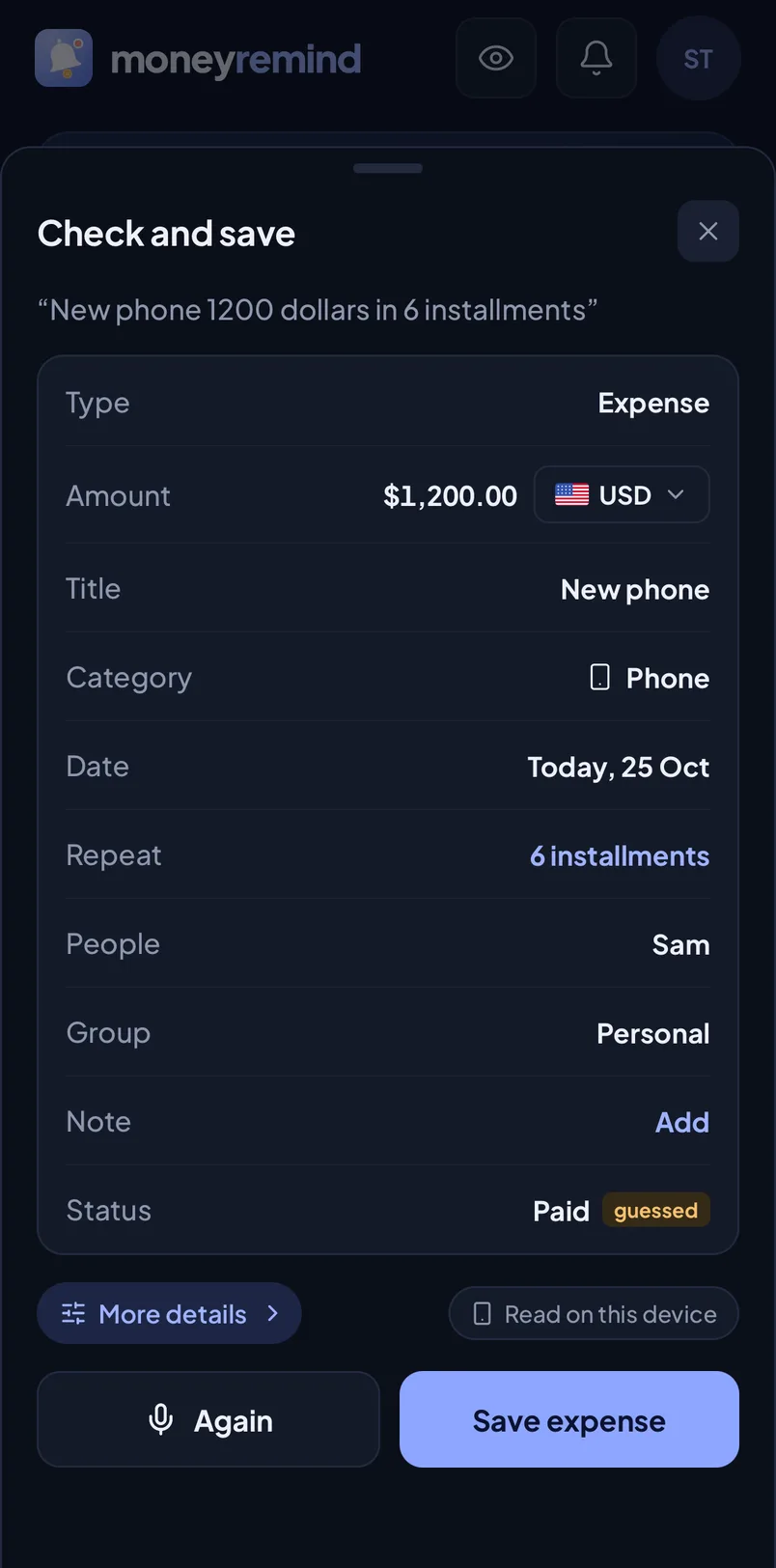
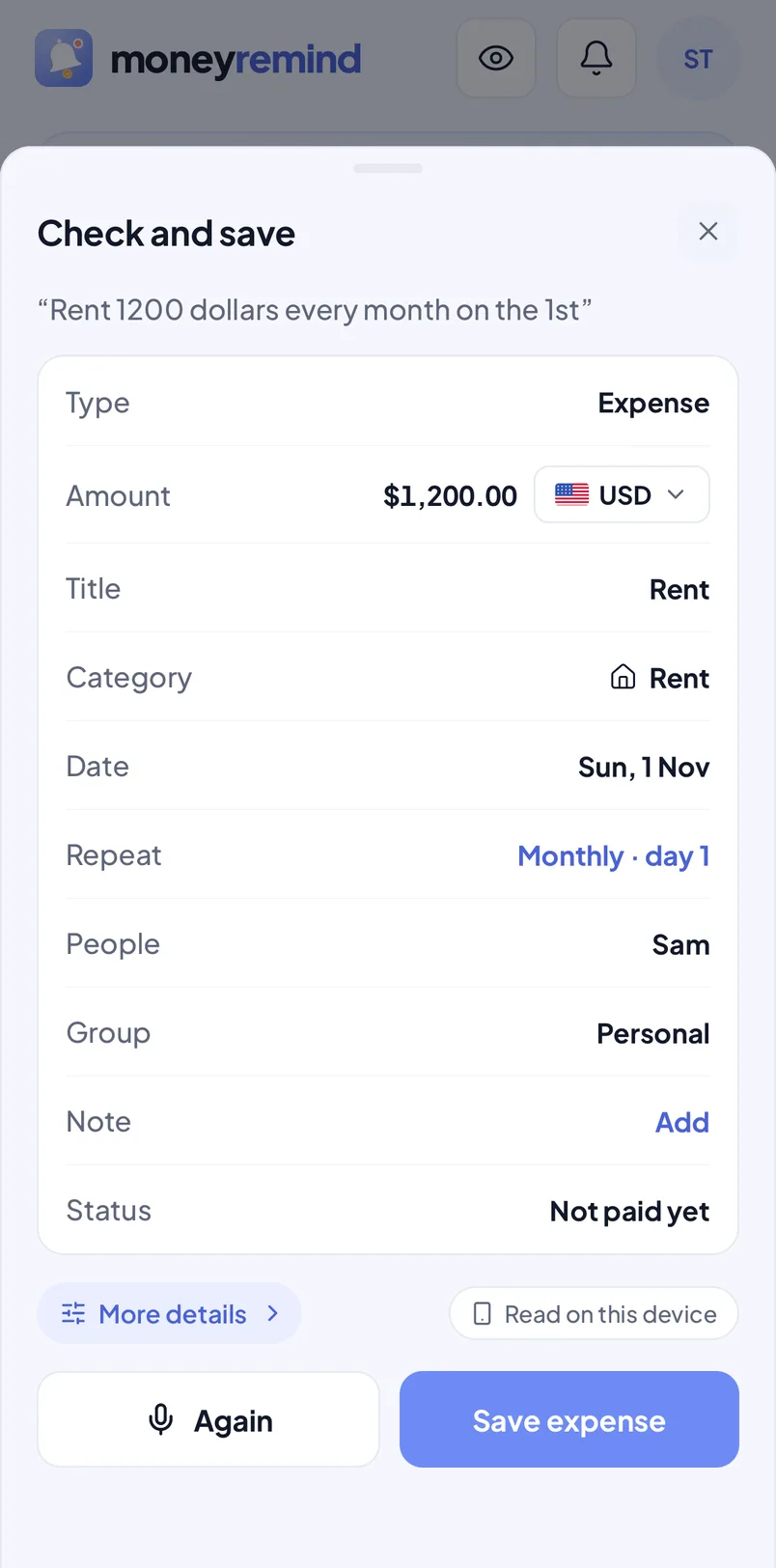
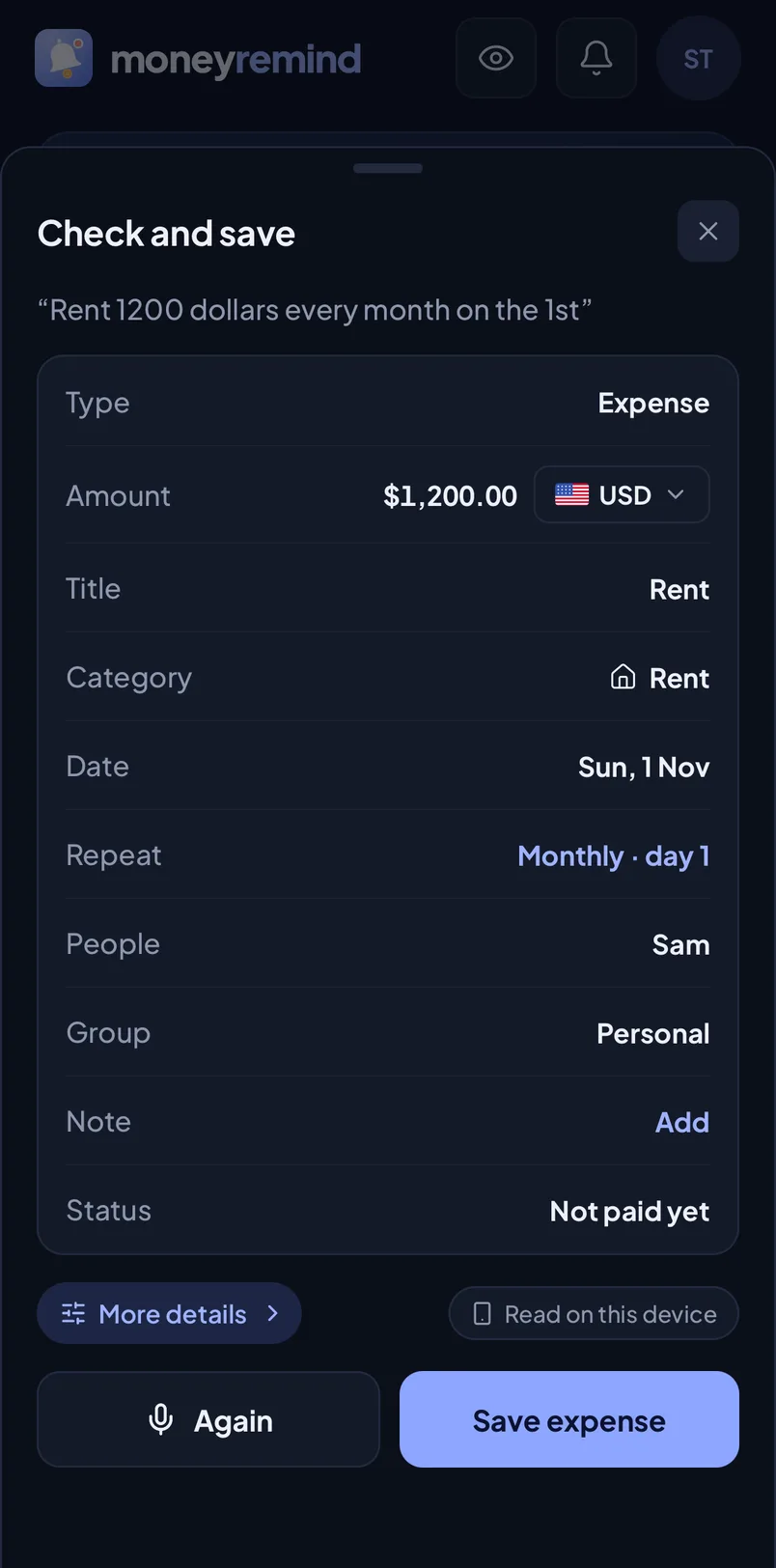
Say “rent 1,200 every month” or “new phone 1,200 in 6 installments”. MoneyRemind fills in the payment, reminds you before it's due, and keeps your family, currencies and IOUs in one clear list.
Download on theApp StoreComing soon
Get it onGoogle PlayComing soon
Free to start
No ads
Your data is never sold
9:41
9:41
Rent is due in 3 days$1,250.00 · Tap to mark paidnow
“Rent 1,200 every month on the 1st”
“New phone 1,200 in 6 installments”
“Coffee 4.50 and taxi 18 yesterday”
Features
Everything you pay, in one place
From rent to a 6-month installment plan, from your family's groceries to a trip in euros: MoneyRemind remembers so you don't have to.
Voice add
Say it once. It's added and remembered.
Tap the mic and talk like you would to a friend. MoneyRemind fills in the amount, currency, date, category and repeat, installments included, and you check it before it's saved.
Several payments in one sentence: “coffee 4.50 and taxi 18 yesterday”
Installments understood: “new phone 1,200 in 6 installments” becomes a 6-month plan
Speaks your language: English, Turkish, German, Spanish, French, Portuguese and Italian on the phone, many more with AI
Or scan a receipt: amount, date and shop come from the photo (Premium)
Free plan: 2 voice adds a month. Premium: unlimited, with AI
9:41
9:41
“Netflix 15 every month”
Amount$15.00
CategorySubscriptions
RepeatMonthly
DateToday
Reminders
A reminder before every due date
Rent, card bills, subscriptions, installments: add them once. MoneyRemind reminds you on the due date or 1, 3 or 7 days before, at the hour you pick.
Repeats weekly, every 2 weeks, monthly, every 3 months or yearly
Installment plans with each installment tracked, partial payments included
Mark paid or snooze for a day right from the notification
Still unpaid? An overdue alert comes the next morning, and it stays on Home until it's paid
9:41
Internet bill due in 3 days$45.00 · Mark paid · Snooze 1 day9:00
Internet$45.00
Due FridayMark paidPaid
Family and groups
Keep life apart. Share what you share.
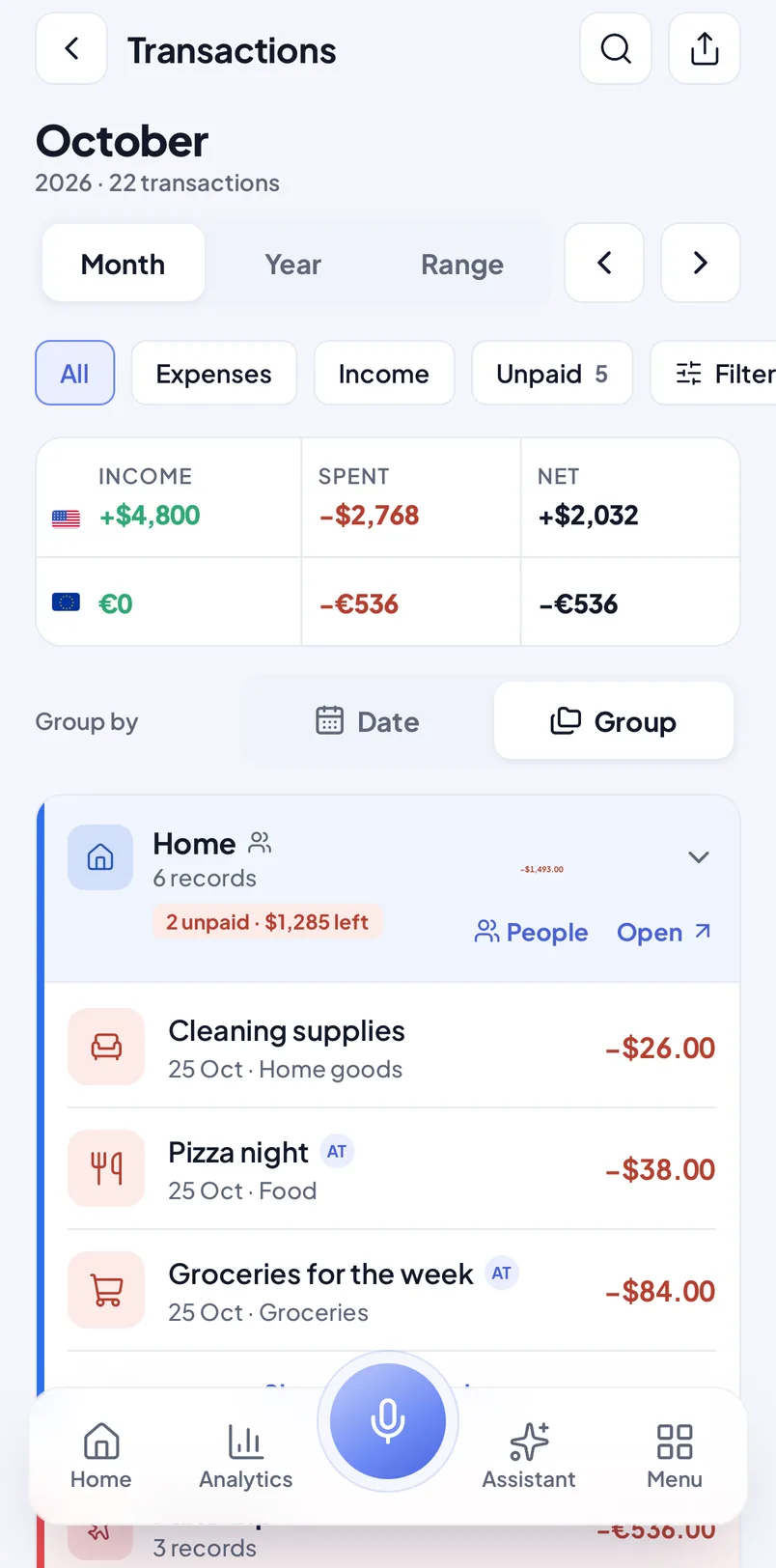
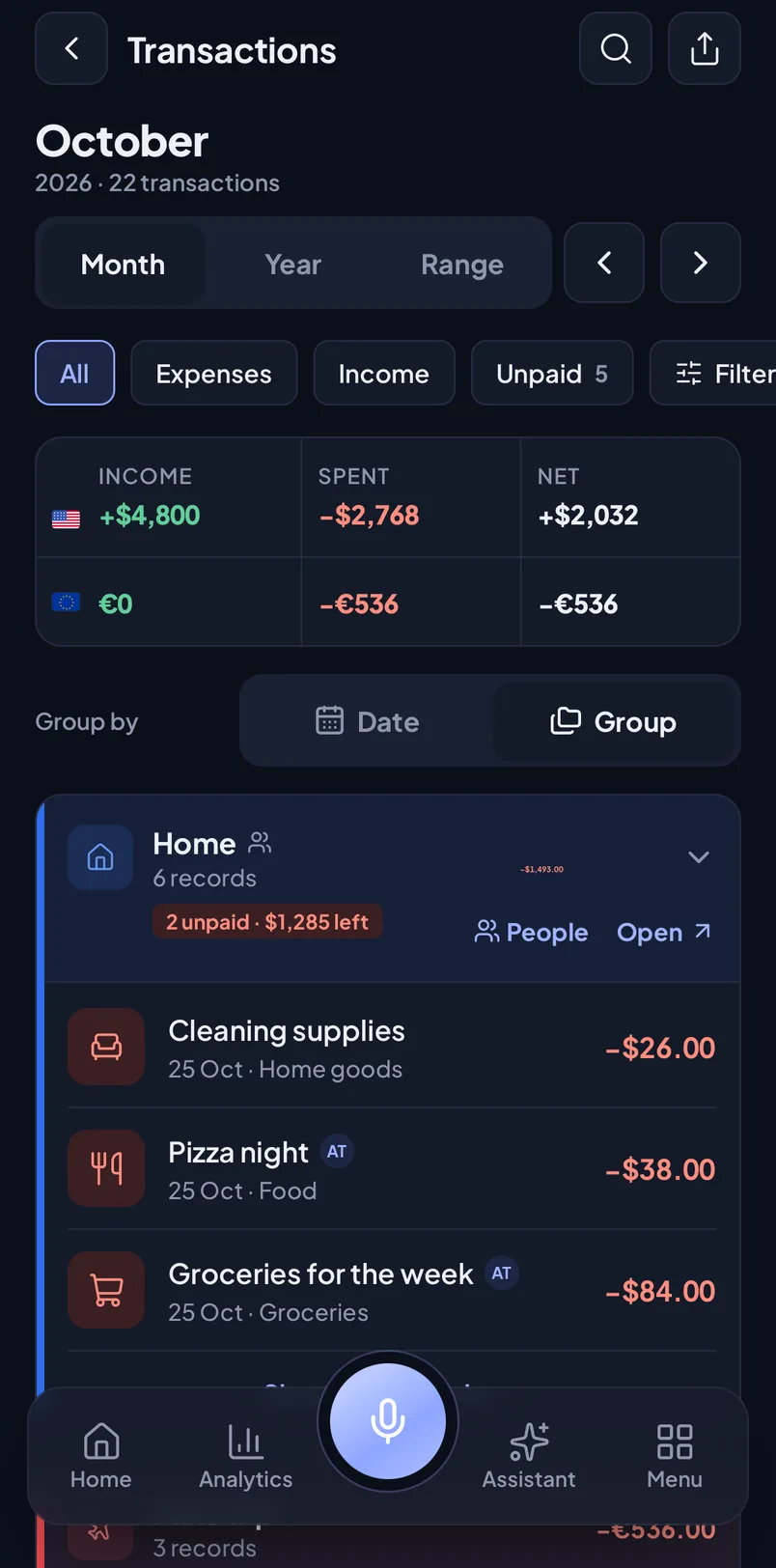
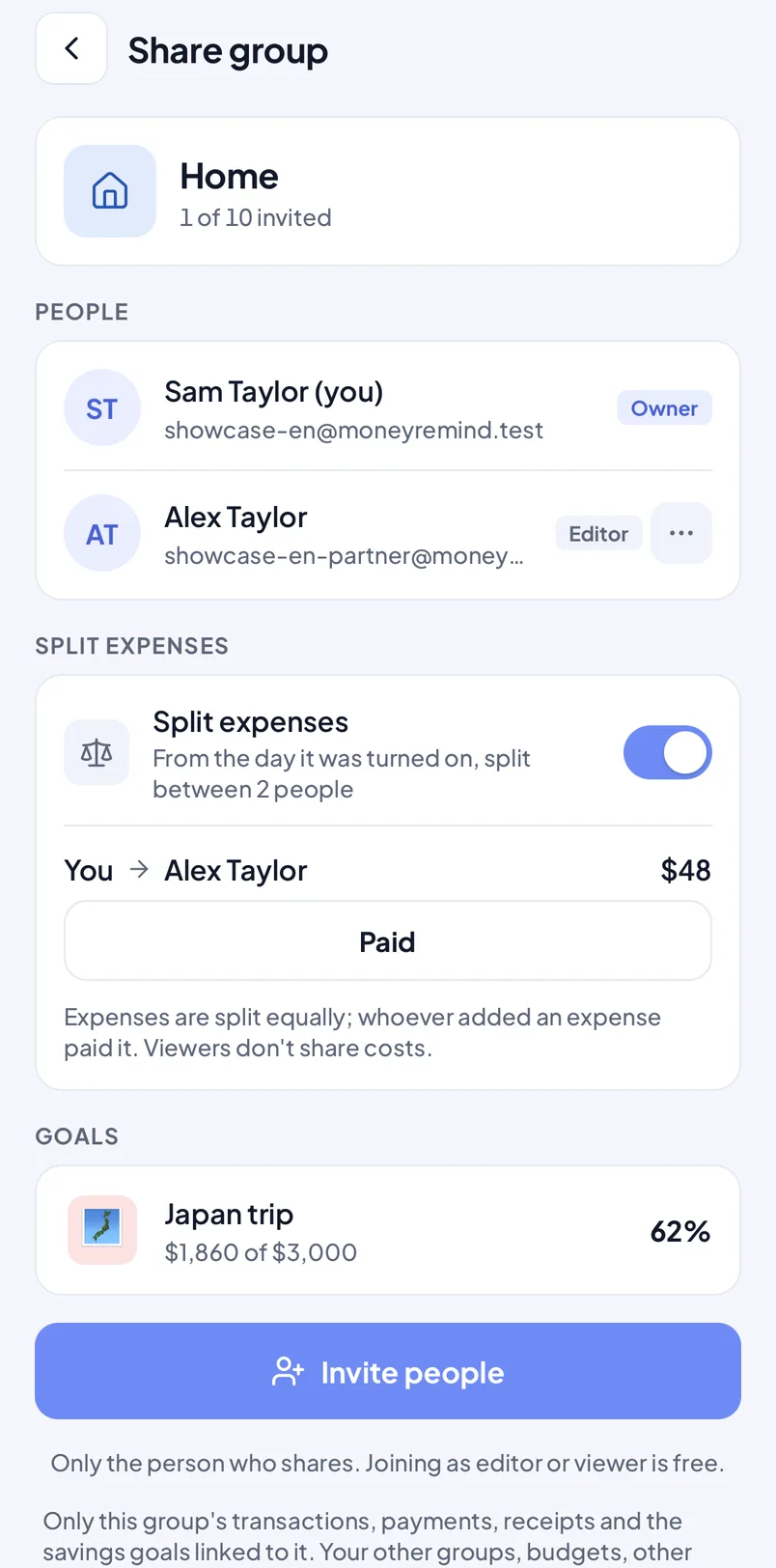
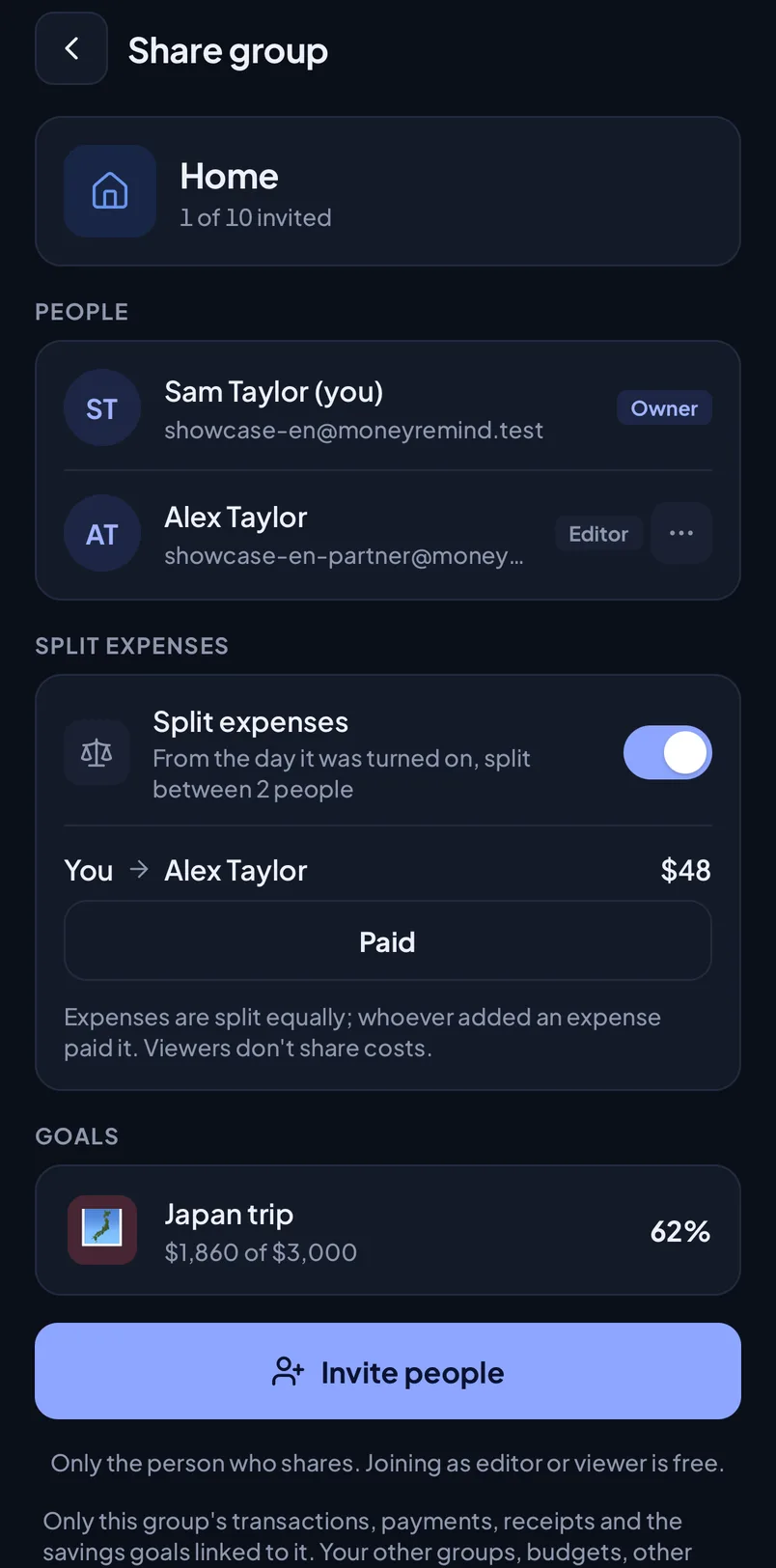
Use groups for Home, Car, Work or a trip, and switch Home between all your money, just yours or one group. Share a group with your partner or family: you add and pay the same bills, save toward the same goal and see who owes whom.
Split expenses evenly: whoever added a cost paid it, and one tap settles up
Family savings goals everyone can add money to
Members are editors or viewers, up to 10 people per group, and join free. Only the owner needs Premium
Members see only the shared group, never your other groups, budgets or Assistant
9:41
9:41
Home · split evenly
AGroceries for the weekAlex$84.00
YCleaning suppliesYou$26.00
APizza nightAlex$38.00
You owe Alex$48.00Settle up
Many currencies
Earn in dollars, spend in euros. Both stay right.
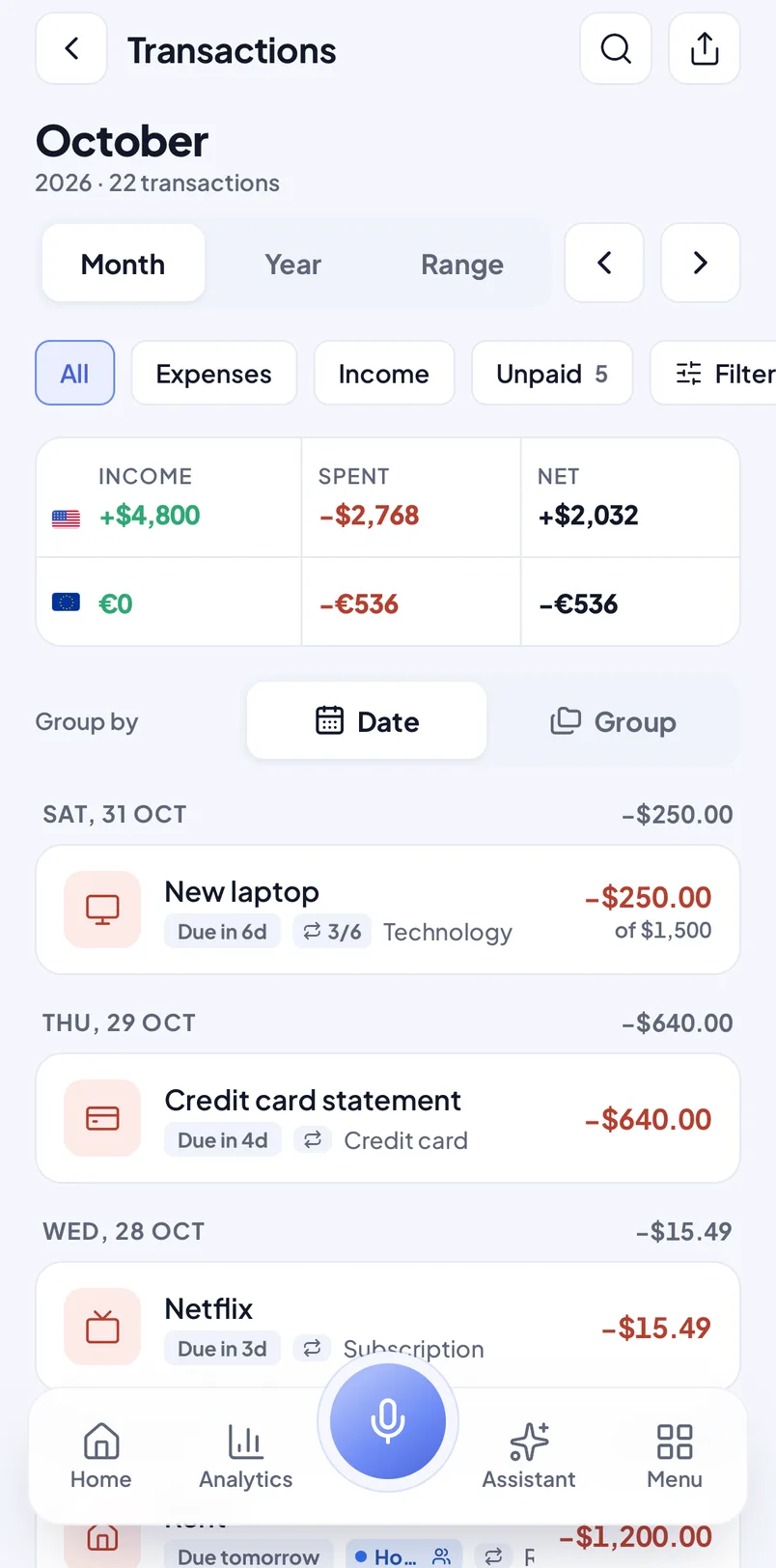
Each payment keeps its own currency. Home switches between them, and every list and chart keeps totals per currency, never converted or mixed up.
150 currencies, each amount written the way it's written there
A trip in euros next to your rent in dollars, each with its own total
Budgets, goals and debts in any currency
9:41
October
InOut
USD+$4,800−$2,768
EUR€0−€536
GBP+£350−£120
Lent and borrowed
Who owes whom, without the awkward reminders
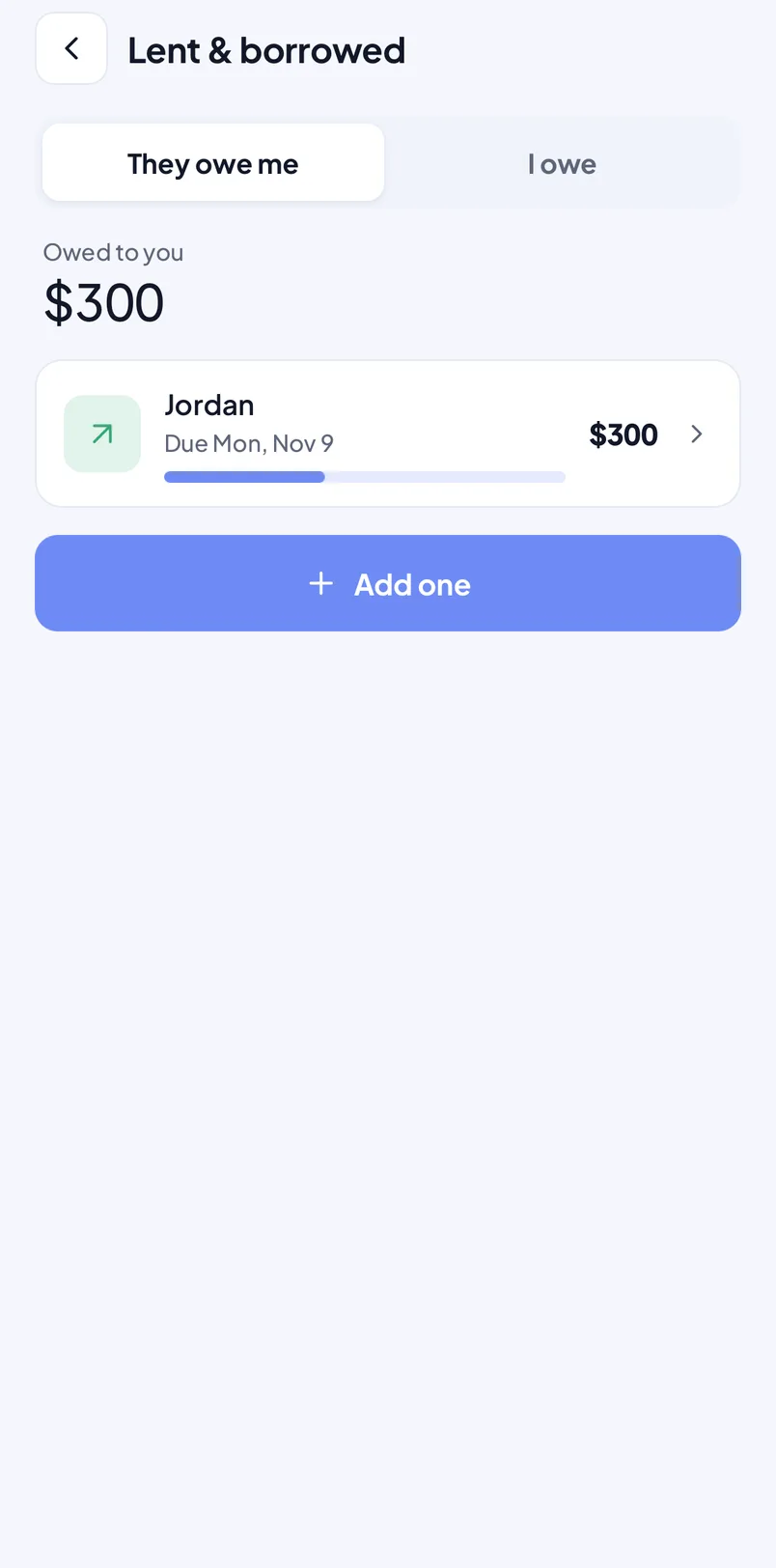
Note money you lent or borrowed, add repayments as they come in, and get a reminder on the day it's due. Free on every plan.
Paid back bit by bit? Each repayment counts down what's left
A reminder on the due date, so nobody has to ask
Lent and borrowed side by side, with what's still open
9:41
JordanLent$300 leftof $500
$200 paid backReminder on Nov 9
Budgets and goals
Budgets that warn you early. Goals that keep pace.
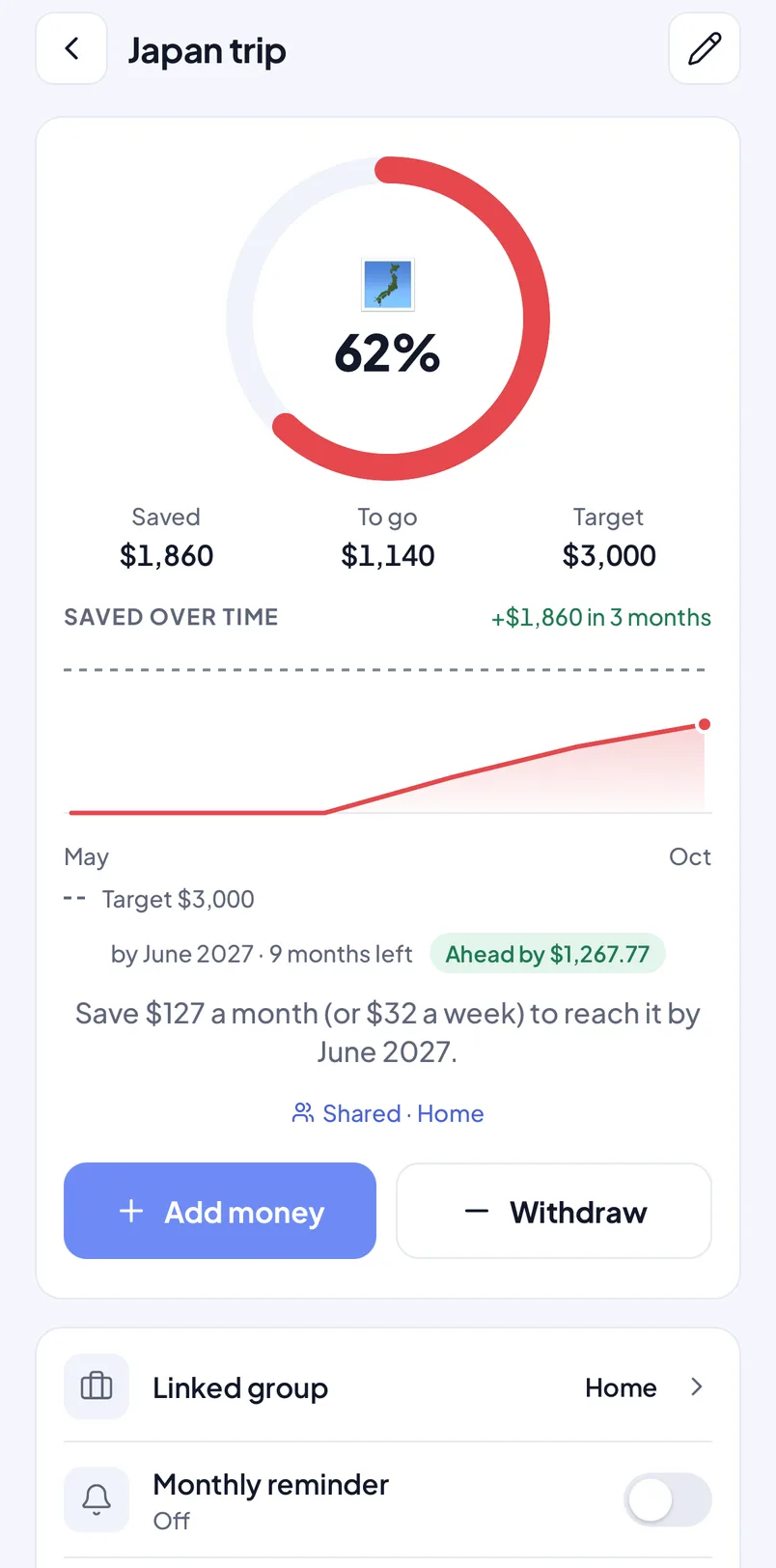
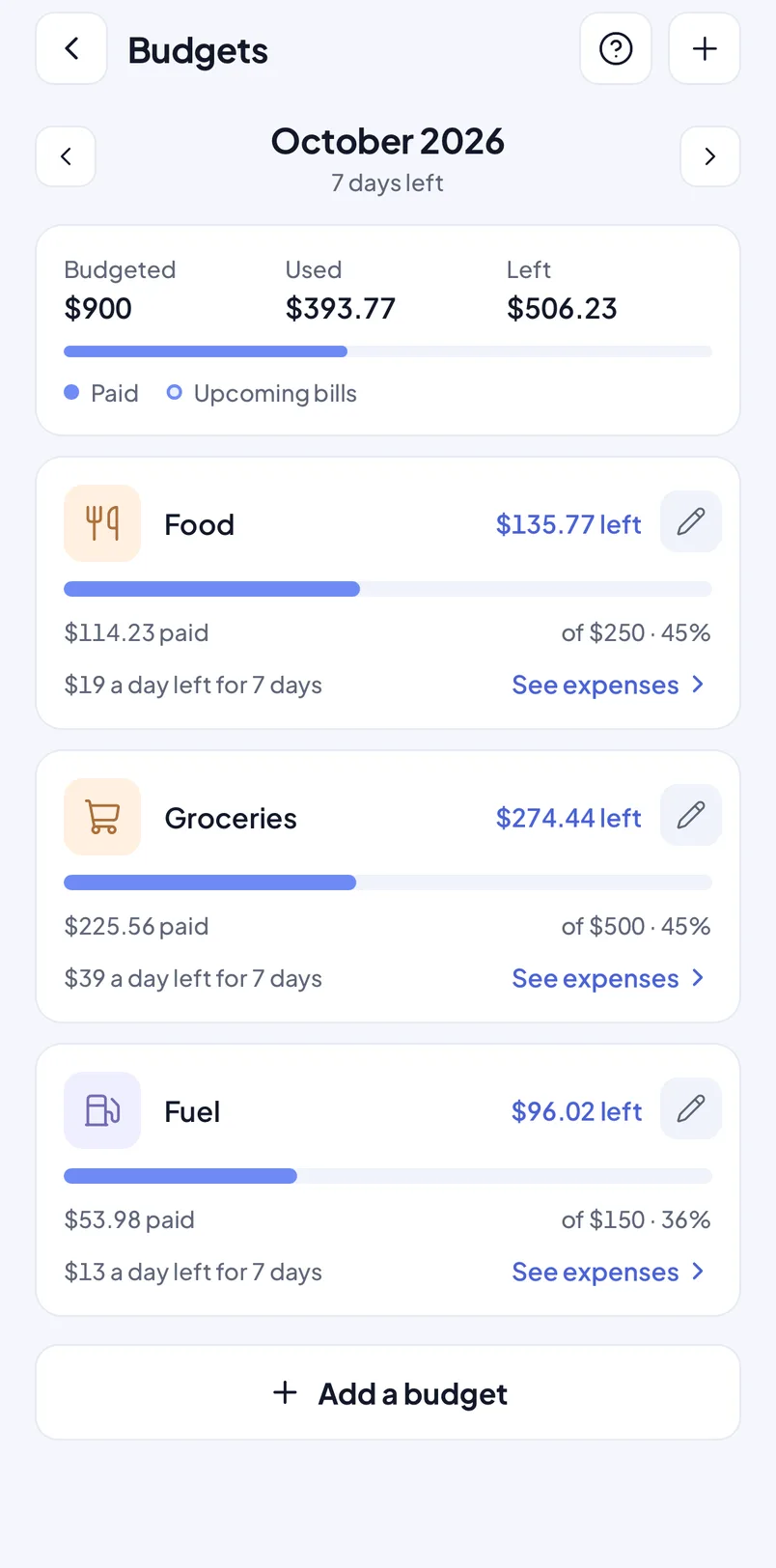
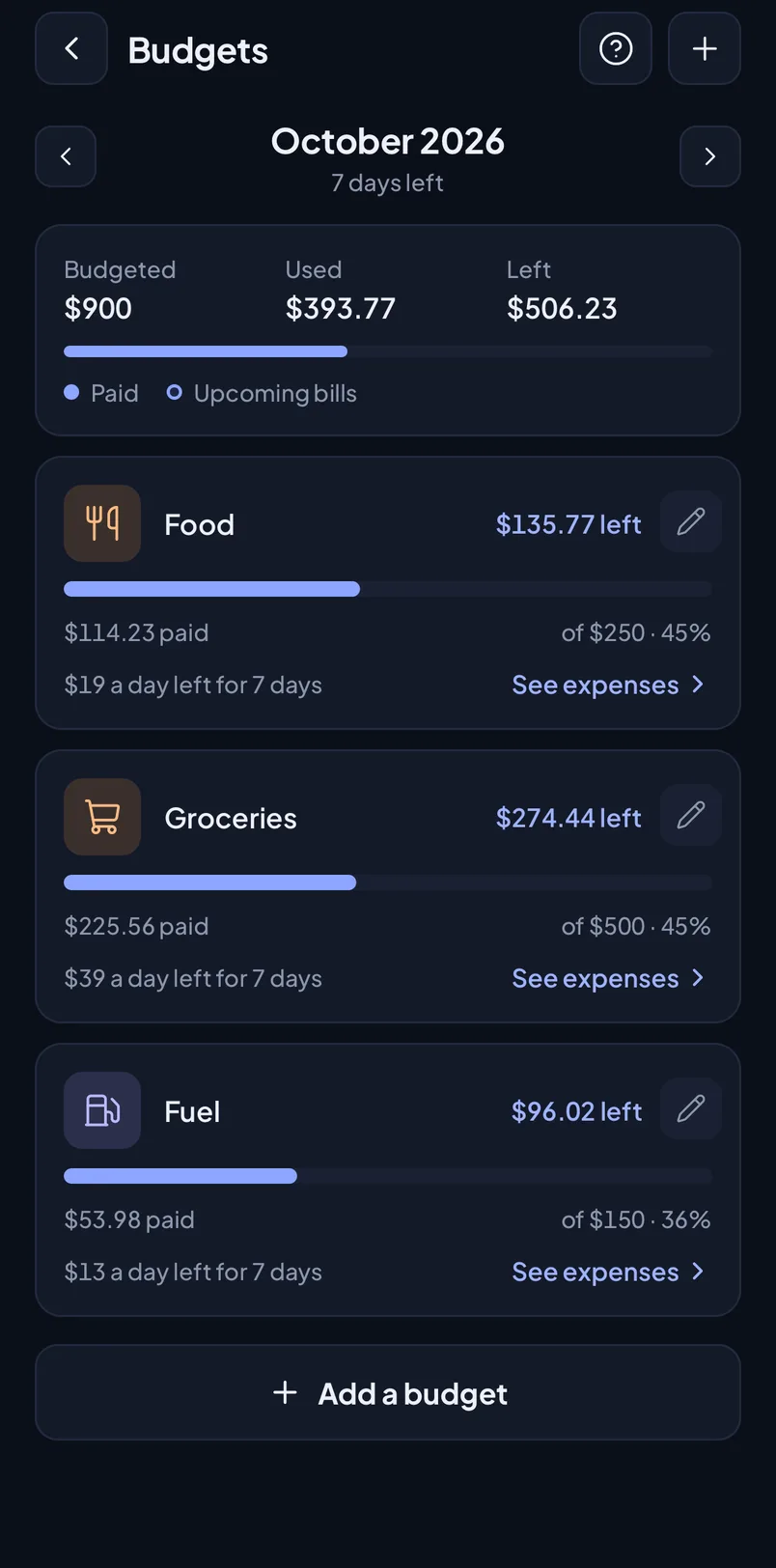
Set monthly budgets per category or for total spending and see what's paid, what's coming and what's left. Savings goals tell you how much to put aside each month.
Alerts at 80% and 100%, in the app and as a notification if you turn it on
Savings goals with a progress ring, a monthly target and a pace check
Free plan: 2 budgets and 2 goals in progress. Premium: no limit
9:41
9:41
80%Groceries
45%Fuel
100%Eating out
Analytics
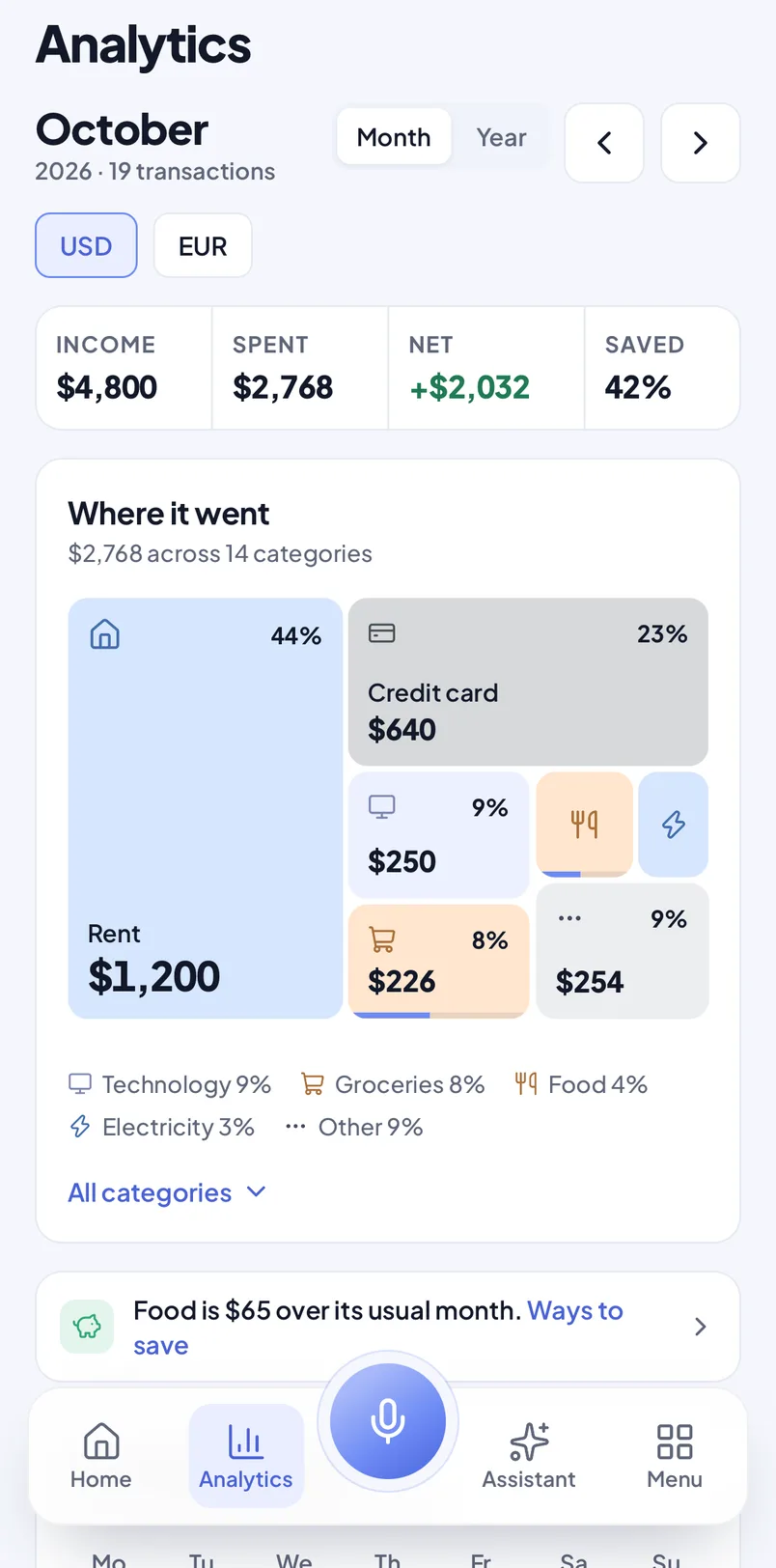
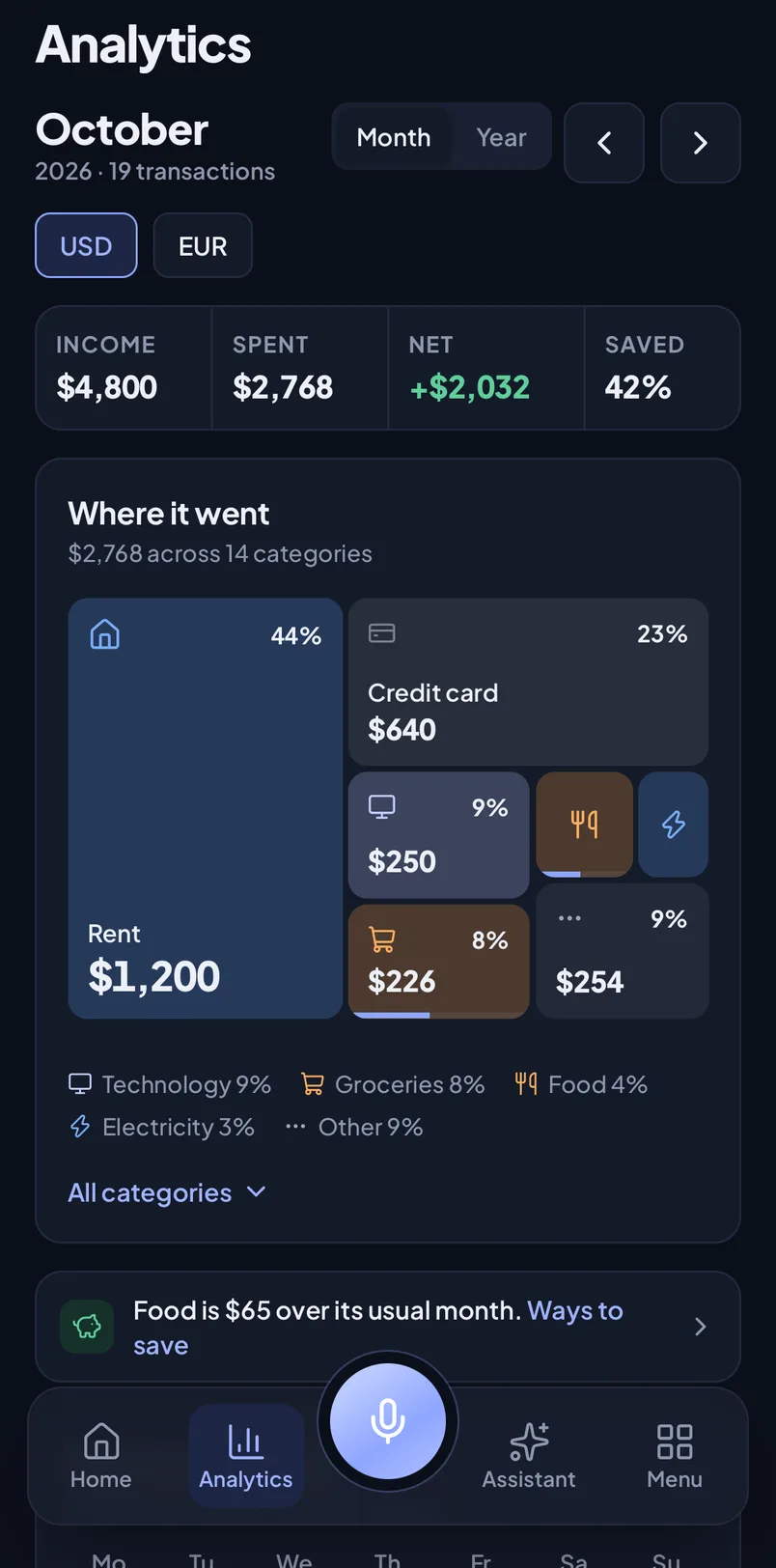
See where your money went
A summary of the month and a breakdown by category, with totals kept per currency. Premium adds every past month, a year view, the spending calendar, trends and PDF or CSV export.
Free plan: the current month's summary and categories
Premium: full history, year view, calendar and trends
Totals stay per currency, never converted or mixed
9:41
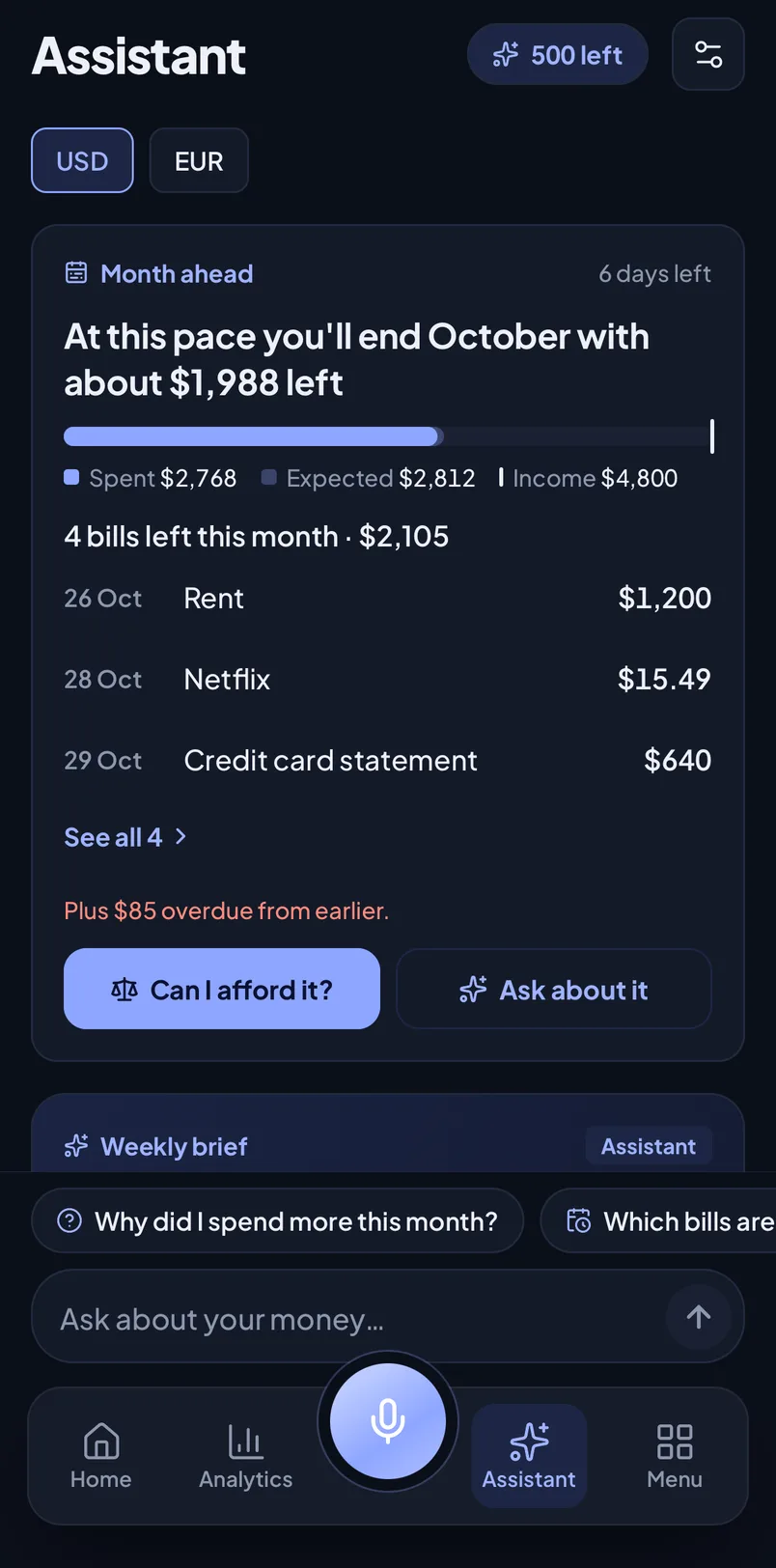
The Assistant
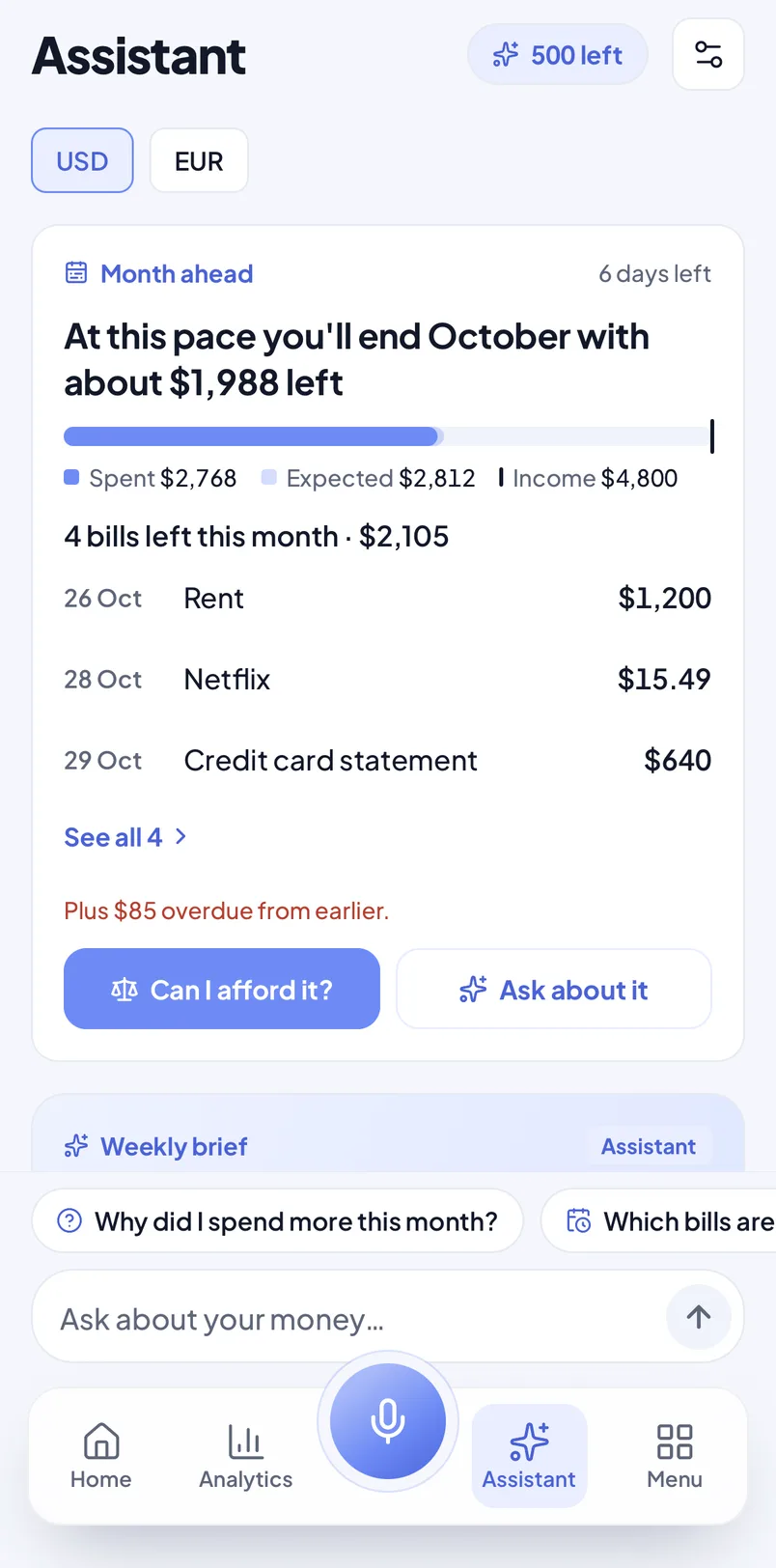
Ask about your money. Get answers from your own numbers.
The Assistant looks at your own payments and explains them in plain words: why this month cost more, what's due this week, where you could save. It's part of Premium, and every new account can try it free for 7 days. The free trial includes 10 AI credits.
Assistant
Example
Why did I spend more this month?
You spent $312 more than last month. Most of it is Eating out (+$140) and the yearly car insurance ($96). A $300 Eating out budget would keep next month on track.
This month
$2,184+17%
Eating out
$410+52%
JulAugSepOct
Assistant · AI answer from your own totals
Where does my money go?
Compare with last month
Ask about your money…
Try an example question
9:41
Premium
Findings
Bill crunches in the next 7 days, forgotten bills, possible double charges, price increases and unusual spending, each with the numbers behind it.
Premium
Ways to save
Ideas from your own habits, each with an estimated monthly saving. Tap “Keep this expense” and it won't come up again. Rent and other essentials are never suggested.
Coffee runs~$32/mo
Two music subscriptions~$11/mo
Weekend takeaway~$45/mo
Premium
Can I afford it?
Enter an amount and a day (today, in a week, at your next income or at month end). You get yes, tight, wait or no, explained line by line.
Premium
Weekly brief
Each week: a headline, a few facts and three suggestions you can act on. The brief doesn't use your 500 monthly AI credits.
How the Assistant handles your data
It only answers questions about your own money and about using MoneyRemind. It politely declines anything else, such as recipes, code, investment picks or legal advice.
Nothing goes to AI until you allow it. You can turn AI off at any time in Assistant settings.
AI requests go through OpenRouter only to providers that neither store nor train on them. We don't keep your question.
The AI sees totals, categories, upcoming bills and repeating payments. It never sees your notes, people, photos or account details.
With AI turned off or this month's credits used up, the Assistant still answers with calculations done on your phone.
It explains your numbers. It is not financial advice, and the decisions stay yours.
Widgets
Your money, right on the home screen
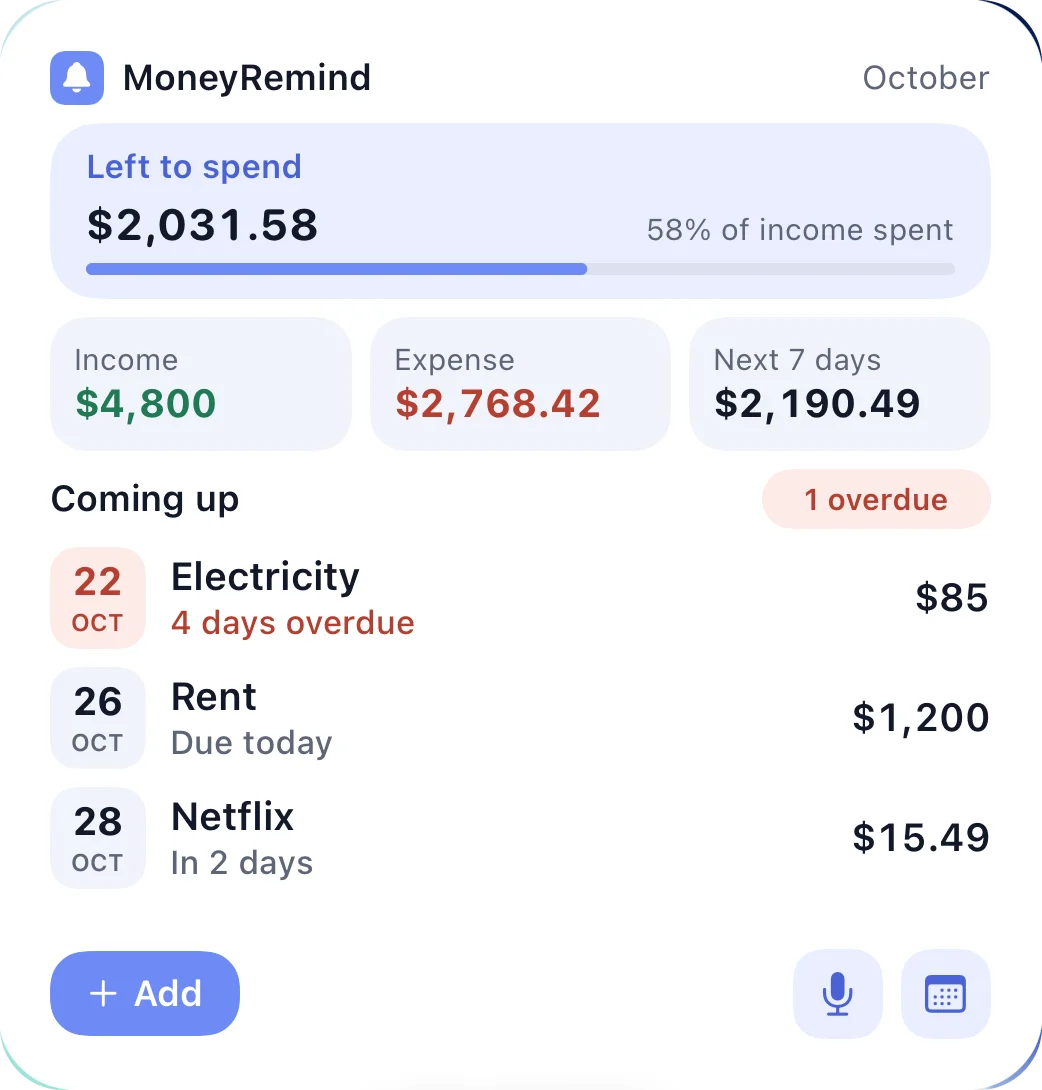
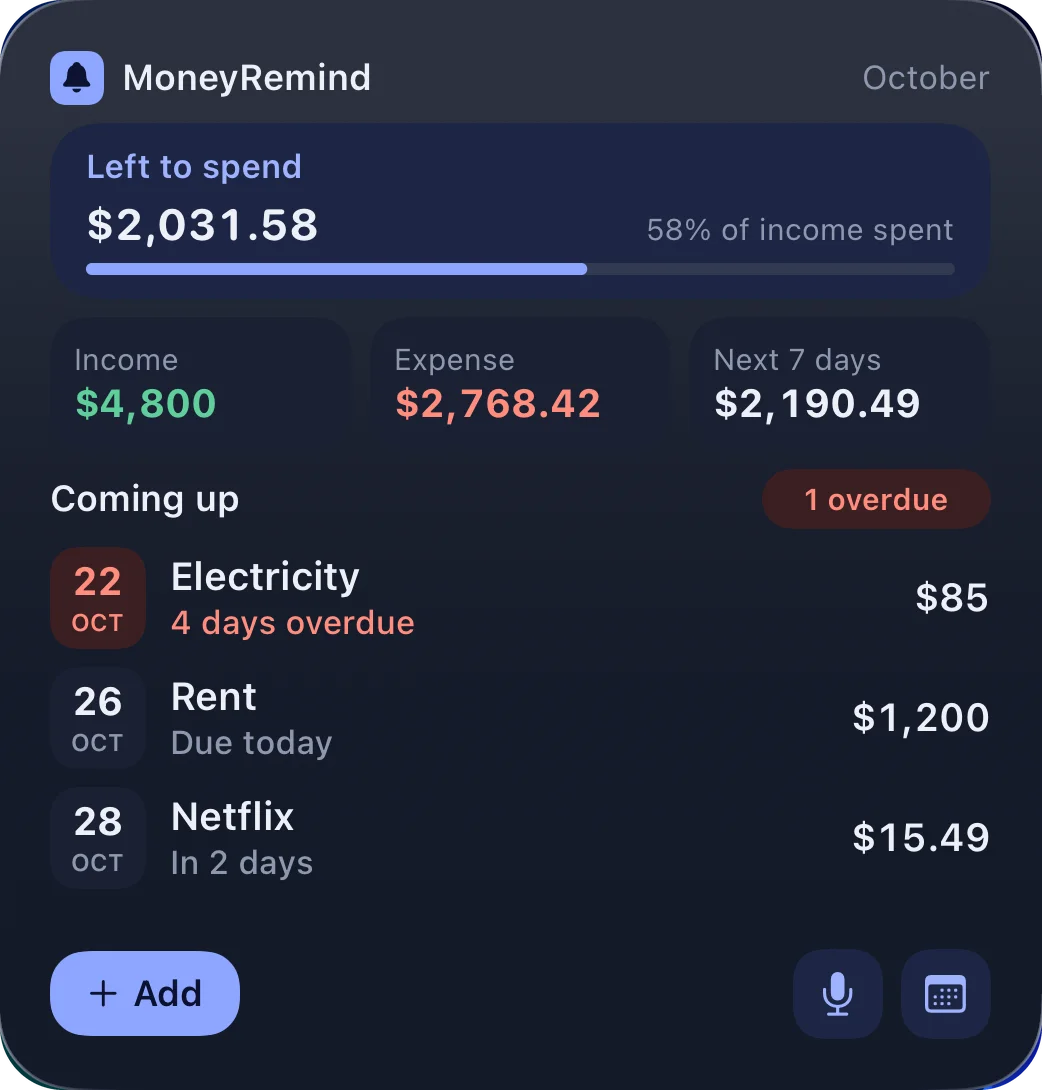
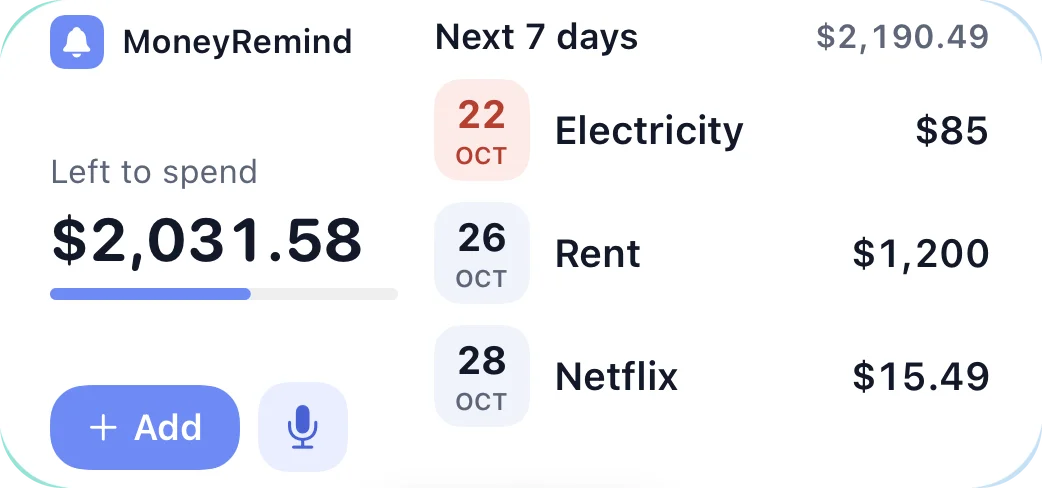
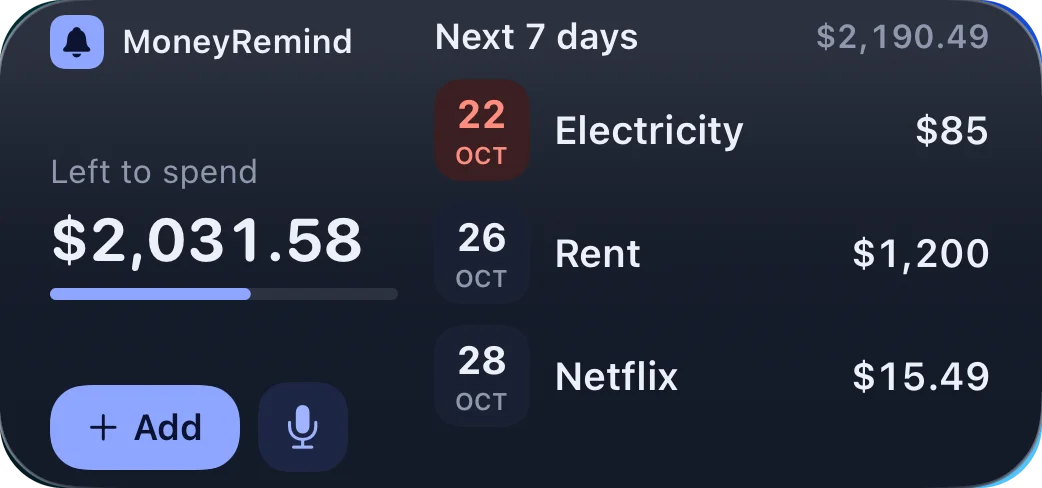
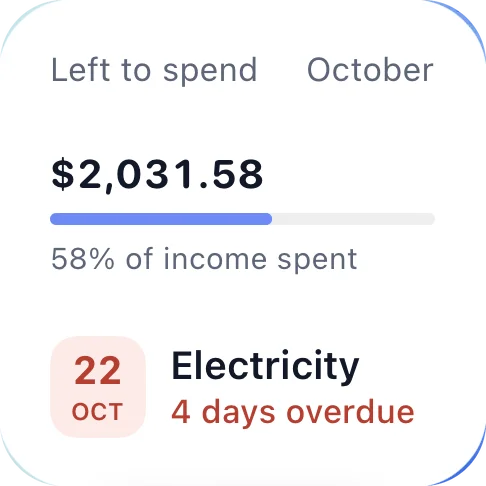
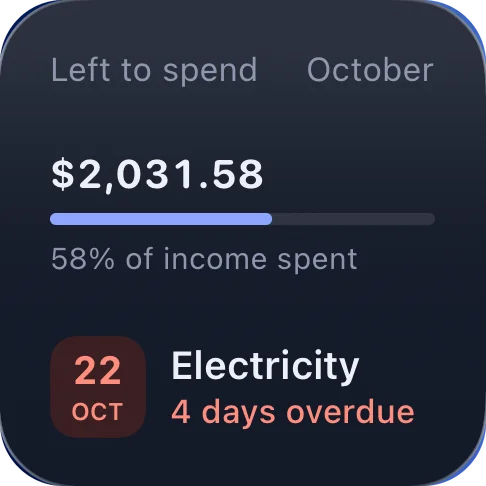
See what's left to spend and what's due next without opening the app. Three sizes, light and dark.
Small
What's left to spend this month and your next payment.
Medium
The next 7 days at a glance, with Add and voice buttons.
Large
The month in one view: income, expenses, upcoming payments and quick actions.
Widgets come with PremiumWith the app lock or hidden amounts on, the widget shows no figures
Why MoneyRemind
From scattered bills to one clear list
Card statements, rent, subscriptions and installment plans each live somewhere else. MoneyRemind puts them in one list, sorted by what's due next.
Credit cardwhen?Rentwhen?Phone (installment 4 of 12)when?Streamingwhen?Car insurancewhen?
Bills in emails, apps and your head
Credit cardOverdue · 1 day$640.00
RentDue in 3 days$1,250.00
Phone (installment 4 of 12)Due Oct 18$41.50
StreamingDue Oct 21 · monthly$15.00
Car insuranceDue Oct 28$96.00
One list, next due date on top
The small things that add up
Works offline
Add, edit, mark paid and delete payments without a connection. Changes sync when you're back online.
Siri and widgets
Say “Add an expense in MoneyRemind”, or see what's left and what's due on your Home Screen (widget: Premium).
Receipts, scanned
Scan a receipt to fill in the amount, date and shop, and keep up to 5 photos with a payment (Premium).
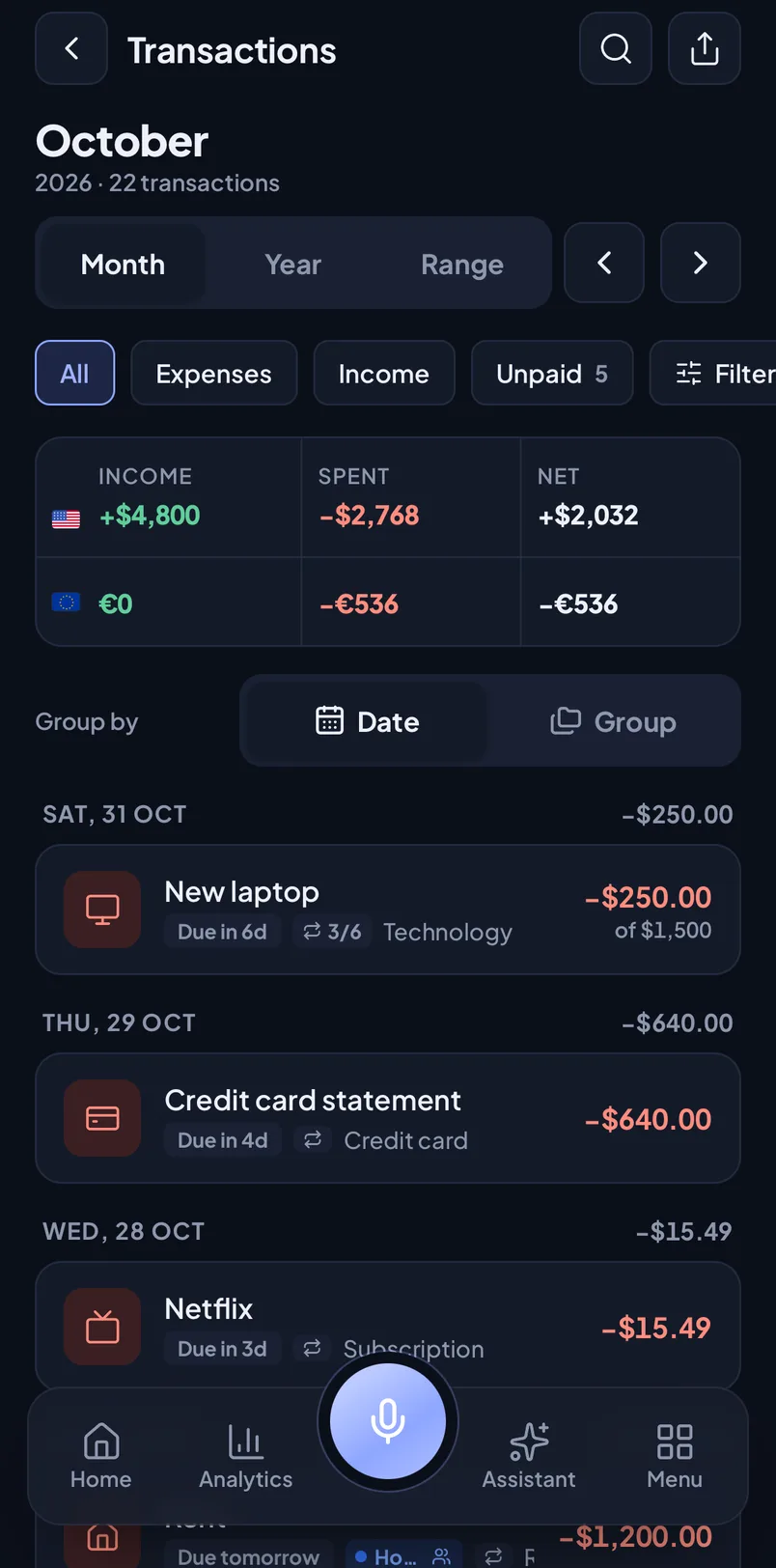
Light and dark
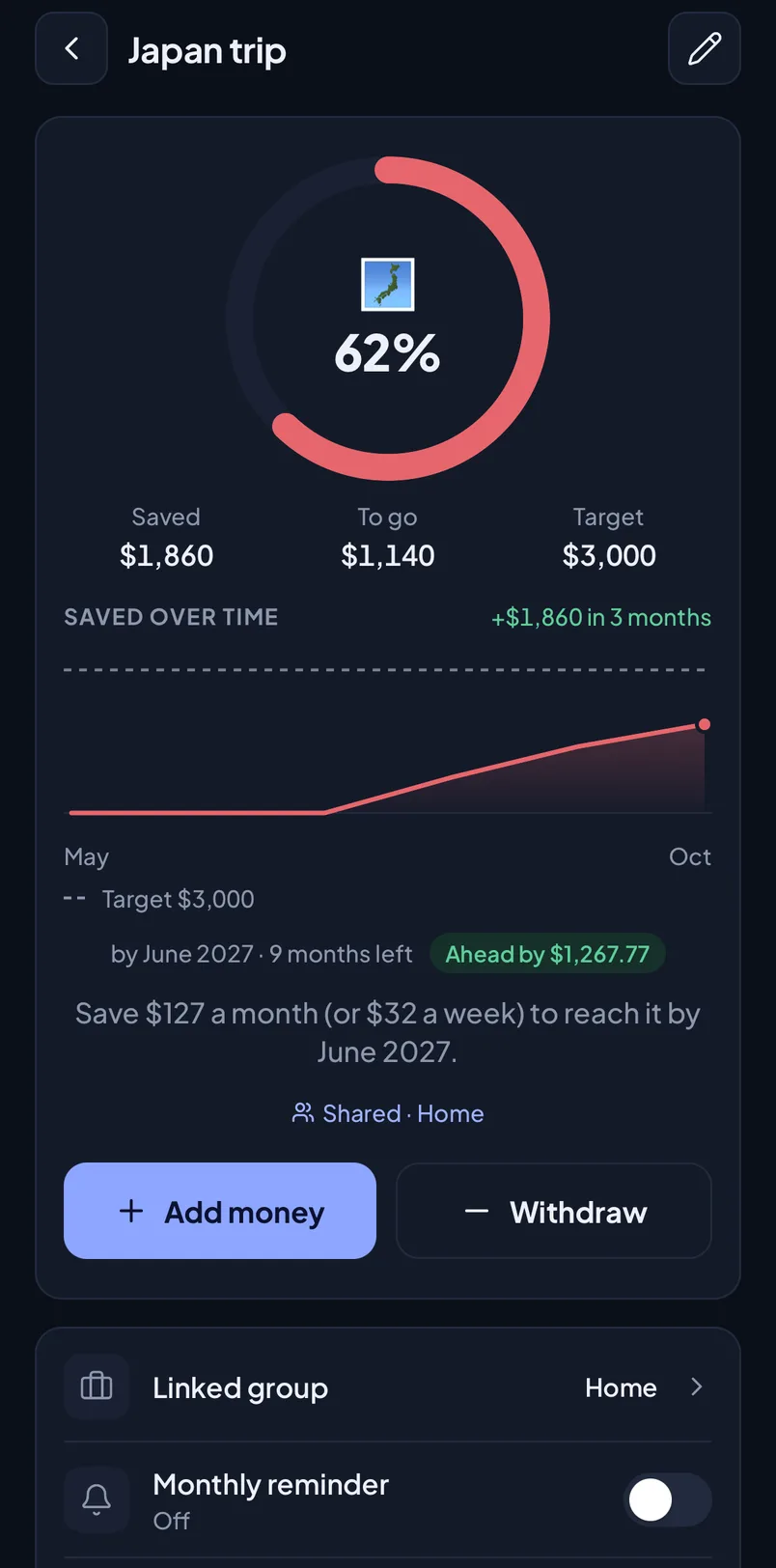
Follows your phone's setting, or pick one yourself.
PDF and CSV export
A clean PDF summary or a CSV file for spreadsheets, using your filters (Premium).
No ads, ever
No ads and no ad trackers, on any plan.
How it works
Set up in two minutes
1
Add your bills
Say it, type it or tap it in: rent, card bills, subscriptions, installments. Choose how often it repeats.
2
Pick your reminder
On the due date or 1, 3 or 7 days before, at 8 am, 9 am, noon or 6 pm.
3
Mark paid, see the month
One tap when it's paid. Home shows what's left to spend, what's overdue and what's coming.
Privacy
Your money data stays yours
No ads, no tracking SDKs, and your data is never sold. Only you, and the people you share a group with, can see your payments.
Lock it with Face ID
Turn on the app lock and MoneyRemind asks for Face ID, your fingerprint or passcode when it opens. The app switcher shows a cover, not your balance. The home-screen widget locks too: no figures until you open the app.
Hide amounts in public
One tap on the eye turns every figure into ••••. Handy on the bus or when you show someone your phone. The widget follows: its amounts turn into •••• as well.
Your data is walled off
Every request is checked against your account. Nobody can see, change or delete another user's data, and a shared group shows only that group.
AI only with your permission
AI features ask first and use only providers that neither store nor train on requests. The AI never sees your notes, people, photos or account details.
Calculated on your phone
Voice parsing, the Assistant's findings, Ways to save and “Can I afford it?” are calculated on your device. Signing out clears your data from the phone.
Delete everything, anytime
Delete your account in the app and your data and files are erased right away. They aren't hidden or archived.
Payments, reminders and repeating bills are unlimited on the free plan. Every new account also gets all of Premium free for its first 7 days, with no card needed. Premium includes 500 AI credits a month; the free trial includes 10.
7-day free trial on the yearly plan for new subscribers
AI Assistant: chat, weekly brief and Ways to save
Unlimited voice adds, with AI for several payments in one sentence
500 AI credits a month
Full analytics: past months, year view, calendar and trends
PDF and CSV export
Receipt scan and photos
Unlimited groups, people, budgets and goals
Share groups with up to 10 people and split expenses; members join free
Free and Premium, side by side
Free and Premium, side by side
Feature
Free
Premium
Payments, repeating and installment payments
Unlimited
Unlimited
Reminders, with every option
Included
Included
Many currencies
Included
Included
Works offline
Included
Included
Voice add
2 a month
Unlimited
AI voice add (several payments in one sentence)
Not included
Included
AI Assistant chat
Not included
Included
Weekly brief
Not included
Included
Ways to save
Not included
Included
AI credits
Not included
500 a month
Analytics
This month
All history
Year view, calendar and trends
Not included
Included
PDF and CSV export
Not included
Included
Receipt and bill photos
Not included
Included
Home-screen widget
Not included
Included
Groups
2
Unlimited
People
2
Unlimited
Budgets
2
Unlimited
Savings goals in progress
2
Unlimited
Shared groups
Join only
Share and join
No ads
Included
Included
US prices. Your local price is shown in the app before you buy, and plans and prices may change. Subscriptions renew automatically unless cancelled at least 24 hours before the end of the period; manage or cancel them in your App Store or Google Play account. If you stay on Free after the 7-day trial or cancel later, nothing is deleted: you just can't add more than the free plan allows.
FAQ
Questions, answered
Short, factual answers. Can't find yours? Ask in the app under Menu › Help & support.
Is MoneyRemind free?
Yes. The free plan has no limit on payments, reminders or repeating bills, and includes 2 voice adds a month, this month's analytics, 2 budgets and 2 savings goals. Premium costs $4.99 a month or $34.99 a year in the US and adds the AI Assistant, unlimited voice add, full analytics, export, photos, sharing and no limits.
How does the free Premium trial work?
Every new account gets all of Premium free for 7 days, starting at sign-up. You don't need a card and there's nothing to cancel. After that you continue on the free plan unless you subscribe. Your data stays, you just can't add more than the free limits. There's one trial per email address. Separately, the yearly subscription comes with a 7-day free trial in the App Store or Google Play. Premium includes 500 AI credits a month; the free trial includes 10.
Does MoneyRemind connect to my bank?
No. You add payments yourself, by voice, by typing a sentence or by hand. MoneyRemind never asks for bank logins, card numbers or account numbers, and it can't move money.
How do reminders work?
In Menu › Reminders you choose when you hear about a payment: on the due date or 1, 3 or 7 days before, at 8 am, 9 am, noon or 6 pm. Each repeating payment and each installment gets its own reminder, and you can turn reminders off for a single payment. If something is still unpaid, an overdue alert comes the next morning. Reminders are scheduled on your phone, so notifications must be allowed.
Which languages does voice add understand?
The built-in parser runs on your phone and understands English, Turkish, German, Spanish, French, Portuguese and Italian. With Premium, AI voice add understands many more languages and several payments in one sentence. Your phone turns speech into text, so the language also needs to be supported by your device. It also understands installments, such as “new phone 1,200 in 6 installments”.
What can the Assistant do?
It answers questions about your own money, such as “Why did I spend more this month?” or “Which bills are due this week?”. It also points out forgotten bills, possible double charges and price increases, suggests ways to save based on your habits and sends a weekly brief. The Assistant is part of Premium, with 500 AI credits a month. The free trial includes 10 AI credits.
What happens to my data when I use AI features?
Nothing is sent until you allow AI features. After that, your question goes with summarized totals, or your voice sentence goes with your category, people and group labels. It goes through OpenRouter to a model provider that neither stores nor trains on requests. We don't keep the text, only usage counts. Notes, photos and account details are never sent. You can turn AI off in Assistant settings.
Can I share bills with my family?
Yes. With Premium you can share a group, for example Home, with up to 10 people. Each member is an editor or a viewer and joins for free. Members see only that group, never your other groups, budgets, goals or Assistant. The owner can turn on expense splitting: costs are shared evenly and one tap settles up. Family savings goals live in the shared group too.
Can I keep track of money I lent or borrowed?
Yes, on every plan. Add who, how much and when it's due, record repayments as they come in, and MoneyRemind shows what's left and reminds you on the due date.
Can I use it for my small business or freelance work?
Yes, to keep your own payments in order. Put business money in a group such as Work and switch Home to it to see it on its own. MoneyRemind isn't accounting software: it doesn't make invoices or tax reports.
Can I lock the app?
Yes. Turn on the app lock in Menu › Privacy and lock and MoneyRemind asks for Face ID, your fingerprint or passcode when it opens and after 30 seconds away. You can also hide every amount with one tap.
Does it work offline?
For everyday use, yes. You can add, edit, mark paid and delete payments without a connection, and the changes sync when you're back online. Budgets, goals, sharing, photos and support messages need a connection.
Can I track more than one currency?
Yes. Each payment has its own currency (150 to choose from), and totals are kept per currency. MoneyRemind never converts or mixes them.
Which devices and languages does it support?
MoneyRemind is for iPhone, iPad and Android phones and is coming soon to the App Store and Google Play. The app and this website are available in 13 languages, including English, Turkish, German, Spanish, French, Arabic and Japanese.
How do I cancel Premium?
Premium is billed by the App Store or Google Play. Cancel it in your store account's subscription settings at least 24 hours before the period ends. Deleting your MoneyRemind account doesn't cancel the subscription. If you cancel, your data stays and you continue on the free plan.
How do I delete my account?
In the app, open Menu, tap your name, then Personal details › Delete account and confirm with your password (or, if you only sign in with Google or Apple, by signing in with it again). Your account and data are deleted right away. If you can't open the app, email [email protected].
Is MoneyRemind financial advice?
No. MoneyRemind is a tracking and reminder tool. The Assistant explains your own numbers. It doesn't recommend investments, loans or tax decisions.
Your bills, remembered.
Download MoneyRemind, set up your first reminder in a minute and try every Premium feature free for 7 days.